Depending on your device, you can use your face, fingerprint, screen lock or device PIN.
This guide explains how to rename a passkey for your My One NZ account.
Before you begin
Make sure you can sign in to My One NZ
Steps to rename a passkey
- Sign in to My One NZ, then open My profile
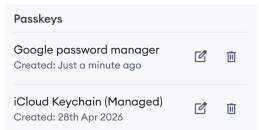
- Scroll to PasskeysFind the passkey you want to rename

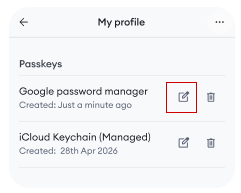
Select the edit icon next to the passkey you want to rename

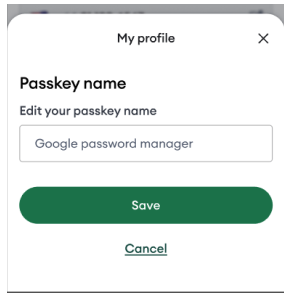
Enter a new passkey name

- Select Save